Give active work its own space
Install the 2TB NVMe drive in a suitable native path and record the actual endpoint, upstream port and observed link state.
A recoverable storage upgrade / BUILD 02
Plan a native NVMe upgrade with separate file copies, orderly installation and a working PCIe baseline you can return to after the next system change.
7 Amazon items + 1 separate supplier purchase. Choose around the equipment you own.
A PIECE OF THE BUILD
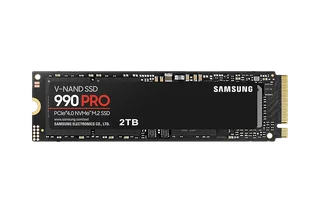
MZ-V9P2T0B/AM
Add a native NVMe endpoint with a working baseline you can return to after the next system change.
Capacity: 2 TB
View on Amazon paid link · confirm current offerDetails & Header7F checksA PIECE OF THE BUILD
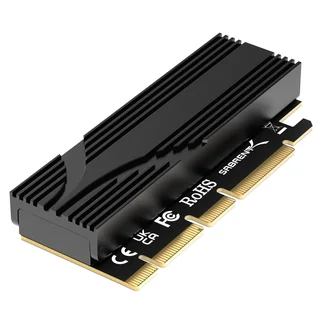
EC-TFPE
Use a suitable expansion slot when an onboard M.2 position is unavailable. The heatsink and pad are included.
Model: EC-TFPE
View on Amazon paid link · confirm current offerDetails & Header7F checksA PIECE OF THE BUILD
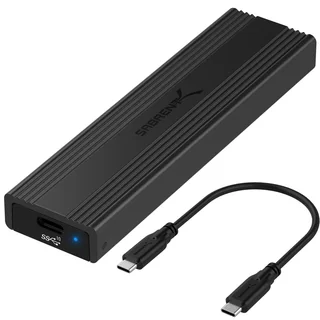
EC-SNVE
Keep a second file-access route available when removable use or a later path comparison is useful.
Model: EC-SNVE
View on Amazon paid link · confirm current offerDetails & Header7F checksA PIECE OF THE BUILD
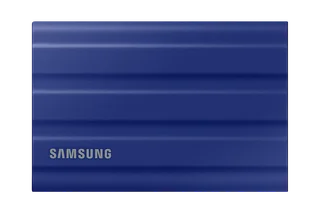
MU-PE2T0R/AM
Have a separate destination for the files you choose to protect before changing the native installation.
Capacity: 2 TB
View on Amazon paid link · confirm current offerDetails & Header7F checksA PIECE OF THE BUILD
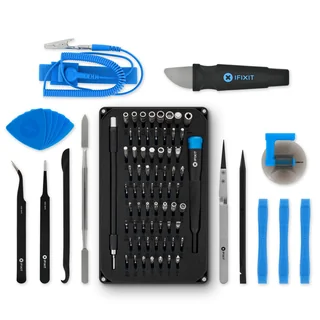
IF145-307-4
Handle chassis screws and the slot bracket around an otherwise tool-free carrier.
Kit: 64-bit driver set + tools
View on Amazon paid link · confirm current offerDetails & Header7F checksA PIECE OF THE BUILD
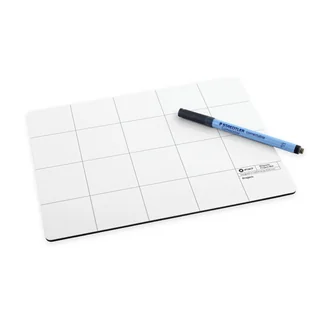
IF145-167-4
Keep removed screws with their location notes so the installation remains easy to reverse.
Size: 10 × 8 in
View on Amazon paid link · confirm current offerDetails & Header7F checksA PIECE OF THE BUILD · PREMIUM
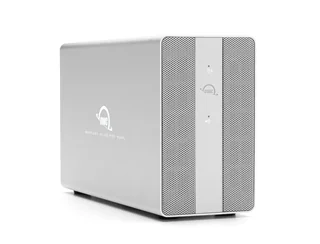
OWCMEDCH7T16
Keep historical copies and a restore record on a physically separate destination while native NVMe slot or firmware work proceeds. Reuse an already adequate backup destination first; the existing T7 remains a portable selected-file copy, rather than a second mandatory whole-workstation backup.
Storage supplied: 2 × 8TB SATA HDDs, 16TB raw aggregate
Buy at OWC separate supplier purchaseDetails & Header7F checksA PIECE OF THE BUILD · PREMIUM
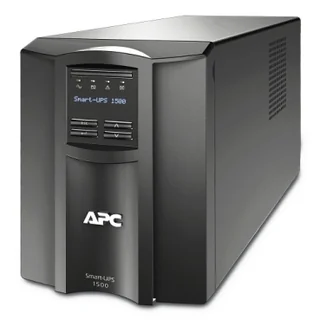
SMT1500C
Keep the host and external backup destination on a deliberately planned power path, with enough time for software to stop work and shut down according to the installed UPS integration. A UPS does not replace verified recoverable copies.
Selected regional power: 120V US tower, NEMA 5-15P input; 8 × NEMA 5-15R outputs
View on Amazon paid link · confirm current offerDetails & Header7F checksInstall the 2TB NVMe drive in a suitable native path and record the actual endpoint, upstream port and observed link state.
Assign separate jobs to retained file versions, portable selected-file copies and alternate USB access. Check a restore before changing the installation.
Organize the assembly, plan protected power and preserve before/after PCIe evidence alongside independent copy and integrity results.
THE REASON TO BUILD IT
A new SSD adds working space. A considered upgrade also answers what happens to the files you cannot replace, how you would regain access, and what evidence you would keep if the drive behaved differently after a host change.
The 990 PRO provides the native working drive. The carrier offers a suitable expansion-slot route, the OWC array provides room for a planned versioned-copy workflow, and the T7 keeps selected files portable. The optional enclosure provides a separate USB access route. Assembly tools and a correctly planned UPS installation support the work around the drive. Together, these roles turn a component purchase into a recoverable upgrade plan.
IMAGINE WHAT YOU COULD MAKE
Small inventions with a useful purpose.
Choose the idea that earns a place on your bench.
Original DIY concepts inspired by maker builds. You supply the code and validation. Shopping links open in a new tab; Amazon links are paid links.
DIY CONCEPT / 01
Make a project dock for source trees, simulation outputs and reusable build files. The 990 PRO holds active work, while the Sabrent PCIe carrier provides a native host connection. Preserve a separately verified project copy before installation changes so yesterday’s work stays accessible.
Header7F can help
PCI config decoder Inspect the SSD’s supplied native PCIe speed, width and identity.
Console Compare saved PCIe captures before and after a slot or system change.
Use a compatible host and separate backup software. Native link speed and width do not establish storage throughput or file integrity.
DIY CONCEPT / 02
Turn the T7 Shield into a pocket reproduction capsule: a selected project, exact version notes and exported hardware evidence. Keep a checked archive on the populated OWC 16TB drive and preserve your working copy separately. Another engineer receives the files and context needed to investigate.
Header7F can help
Console Export the supported capture comparison and investigation report into your handoff folder.
PCIe Bus Error decoder Explain actual Linux AER messages when the failure includes host PCIe errors.
Choose files that fit the portable drive and verify the copy separately. The archive drive ships in RAID 0; changing its mode erases data. Reproduction still depends on the receiving machine.
DIY CONCEPT / 03
Create a small inventory for a drive that moves between installations. Use the Sabrent USB enclosure for temporary file access, and the Project Mat to keep removed screws and location notes together. A named native-installation record makes the next ‘different drive or different slot?’ question easier to answer.
Header7F can help
PCI config decoder Read the native installation’s supplied PCIe identity and link evidence.
Console Name, save and compare the native captures from your installation history.
The USB bridge hides the SSD’s native PCIe configuration. Capture that evidence while installed natively; the magnetic mat is not an ESD mat.
DIY CONCEPT / 04
Give a disposable Linux VM its own native storage device, with the normal boot drive and a checked project copy kept separate. Where the installation supports it, the APC UPS can support a configured orderly host shutdown during an outage. Build a resettable storage lab with a deliberate recovery path for the project you came to test.
Header7F can help
IOMMU group checker Inspect the host’s supplied group listing for passthrough isolation blockers.
DMAR / AMD-Vi decoder Interpret reported DMA-remapping faults if the passed-through device produces them.
Needs a suitable IOMMU/VM host, device reset support and an independent boot drive. The selected UPS is US 120 V; verify load and supported OS shutdown integration. Neither an isolated group nor a UPS guarantees recovery.
These projects inspired the approach. The concepts above are Header7F adaptations, not tested reproductions of these builds.
EVERY PIECE HAS A JOB
Choose the complete plan when these roles are missing from your workstation. An existing suitable M.2 slot can replace the carrier; existing tools and adequate backup destinations can replace those purchases. The USB enclosure is an optional later access route.
A native home for active projects
Add 2TB of NVMe working storage and preserve a baseline of its real host connection. That baseline gives a later slot, kernel or firmware comparison a defined starting point.
Core working drive. Verify the native slot, host support and cooling.
Before choosing itA suitable native M.2 slot or carrier, supported host and adequate cooling.
With Header7FInspect the native PCIe path →
Link/configuration evidence does not measure flash health, file integrity or achieved storage throughput.
Manufacturer specificationsUse an available expansion-slot route
Install the M.2 drive in a suitable PCIe slot when that route fits your workstation. The included heatsink and pad cover the carrier’s intended thermal assembly.
Needed for this slot route, optional with a suitable onboard M.2 slot. Physical x16, electrical x4.
Before choosing itClearance for the physical x16 connector and a supported wired slot; check lane sharing.
With Header7FRead the SSD and upstream link →
The passive carrier has no separate PCIe function. Gen5 carrier support does not turn the Gen4 SSD into a Gen5 path.
Manufacturer specificationsKeep another file-access route available
Move a supported, powered-down SSD into the enclosure for a later removable-access task. Label the result as USB access and retain the original native PCIe record separately.
Optional alternate route. The USB bridge hides the SSD’s native PCIe configuration.
Before choosing itA compatible drive and USB host. Use its own included cable and thermal assembly.
With Header7FKeep the two routes distinct →
This USB bridge hides the drive’s native PCIe configuration from normal lspci. It is not a native PCIe performance test.
Manufacturer specificationsTake selected project files with you
Use the separate portable SSD for the files you choose to carry or retain away from the workstation. Check that the selected data fits and that you can restore it.
Portable copy role. Reuse an adequate destination you already own.
Before choosing itEnough free space for the chosen backup and an independently verified restore/check process.
With Header7FKeep your baseline with the backup →
Header7F does not run or verify backups. Reuse an adequate existing destination before buying another.
Manufacturer specificationsHandle the installation around the SSD
Use the appropriate driver bit and tools for chassis screws, slot brackets and enclosure work. Keep the physical change deliberate even when the carrier itself is tool-free.
Assembly tools. Reuse suitable existing tools and follow the equipment’s service procedure.
Before choosing itThe right bit for the actual fixture and the equipment’s power-down/service procedure.
With Header7FRecord the physical change →
The toolkit supplies no diagnostic data. Compare fresh evidence after the documented slot or assembly change.
Manufacturer specificationsKeep every screw tied to its place
Set removed hardware beside location notes so the installation is easier to reverse. Preserve those slot and assembly details with your baseline report.
Optional organization aid. This magnetic mat is not an ESD work surface.
Before choosing itUse for loose hardware; sensitive boards need a separately suitable ESD surface.
With Header7FPreserve the setup beside your report →
This is screw organization, not an ESD mat or a diagnostic sensor. Use an existing sorting method if it already works.
Manufacturer specificationsMake room for retained file versions
Assign the populated external array to a planned backup/version-retention workflow, with enough measured usable capacity and a checked restore. Its stationary role complements the smaller portable T7 copy.
Stationary copy destination. Two 8TB disks; nominal 8TB in RAID 1 before overhead. Choose mode before copying data.
Before choosing itCompatible USB host and supported filesystem/backup software, ventilation, AC power, a verified independent source copy and enough measured usable capacity for data plus retention. Before any important data is copied, choose/confirm the desired mode following OWC instructions. Changing RAID mode erases data. RAID 1 gives nominal 8TB before formatting/metadata from the two 8TB disks; 16TB is raw aggregate capacity. Confirm actual firmware, USB behavior and restore workflow on the exact Linux host.
With Header7FKeep the native SSD baseline →
Header7F does not back up, verify files, manage this USB array or inspect its hidden SATA members. RAID mirroring does not retain deleted/corrupted versions and is not a separate backup by itself. Advertised USB link rate is not observed HDD copy speed. OWC documents a sleep-related firmware update; verify relevance before applying any update.
Manufacturer specificationsSeparate purchase at OWC
Buy at OWC separate supplier purchasePopulated 16TB edition with two 8TB drives. Separate OWC purchase.
Plan an orderly stop for the host and copies
Put the workstation and external storage on a measured, supported power plan. With compatible shutdown integration, the UPS can support a planned response to a power interruption.
Power setup. US 120V model; load, runtime and OS integration need separate checks.
Before choosing itAppropriate US 120V grounded outlet and connectors, safe ventilated placement, actual measured total protected load within both watt and VA limits, charged serviceable battery, and shutdown software/integration explicitly supported for the exact OS and connection. Confirm requirements for host and storage together. Do not infer shutdown support from SmartConnect alone or assume a network-management card is included.
With Header7FReview relevant PCIe logs after an event →
Header7F does not read this UPS, estimate runtime, configure shutdown, prove power quality or attribute an AER event to mains power. Runtime depends on battery condition, load and configuration; no runtime or uninterrupted-copy guarantee. The meter-like LCD in the reference is manufacturer illustration, not a measured Header7F setup.
Manufacturer specificationsSame exact US 120V model; confirm destination and battery shipping.
YOUR FIRST USEFUL RESULT
A verified backup and comparable native PCIe captures around a known file copy.
Use an adequate existing backup destination or the T7. Verify the backup independently before changing the installation.
Install with the equipment powered down as instructed. Identify the actual SSD and upstream port, then preserve a Console baseline.
Run an understood file-copy workload. Keep before/after PCIe evidence, error deltas and an independently checked copy result.
The Console separates the endpoint, its upstream route and missing evidence. It does not run storage benchmarks or backups.
A CONSIDERED PURCHASE
The USB enclosure remains an optional alternate route. The OWC populated array ships in RAID 0: plan any desired RAID 1 initialization before important data is copied; its 16TB raw becomes nominal 8TB in a mirror before overhead. Keep a separate backup and verify the exact 120V regional UPS installation.
They serve different copy workflows: the OWC offers a larger stationary destination for retained versions, while the T7 provides a portable selected-file copy. Buy both only if you need both roles, and verify a restore with your chosen backup software.
No. This populated model contains two 8TB disks: 16TB raw. RAID 1 provides nominal 8TB before formatting and metadata. It ships in RAID 0; choose the intended mode before important data is copied. Changing mode erases data, and mirroring is not an independent backup.
Check the physical x16-length connector, clearance, slot wiring and motherboard lane sharing. The carrier is electrically x4 and passive. Its Gen5 support does not change the Gen4 SSD or establish achieved transfer speed.
The linked SMT1500C is the US 120V model. Verify outlets, combined load, battery condition and software support for the exact host and connection. SmartConnect alone does not establish shutdown integration or imply an included network-management card.
Preserve and compare supplied native PCIe configuration and relevant AER evidence. Use separate tools to verify file integrity, backups, drive health and throughput. A successful USB access test does not prove the native path is healthy.
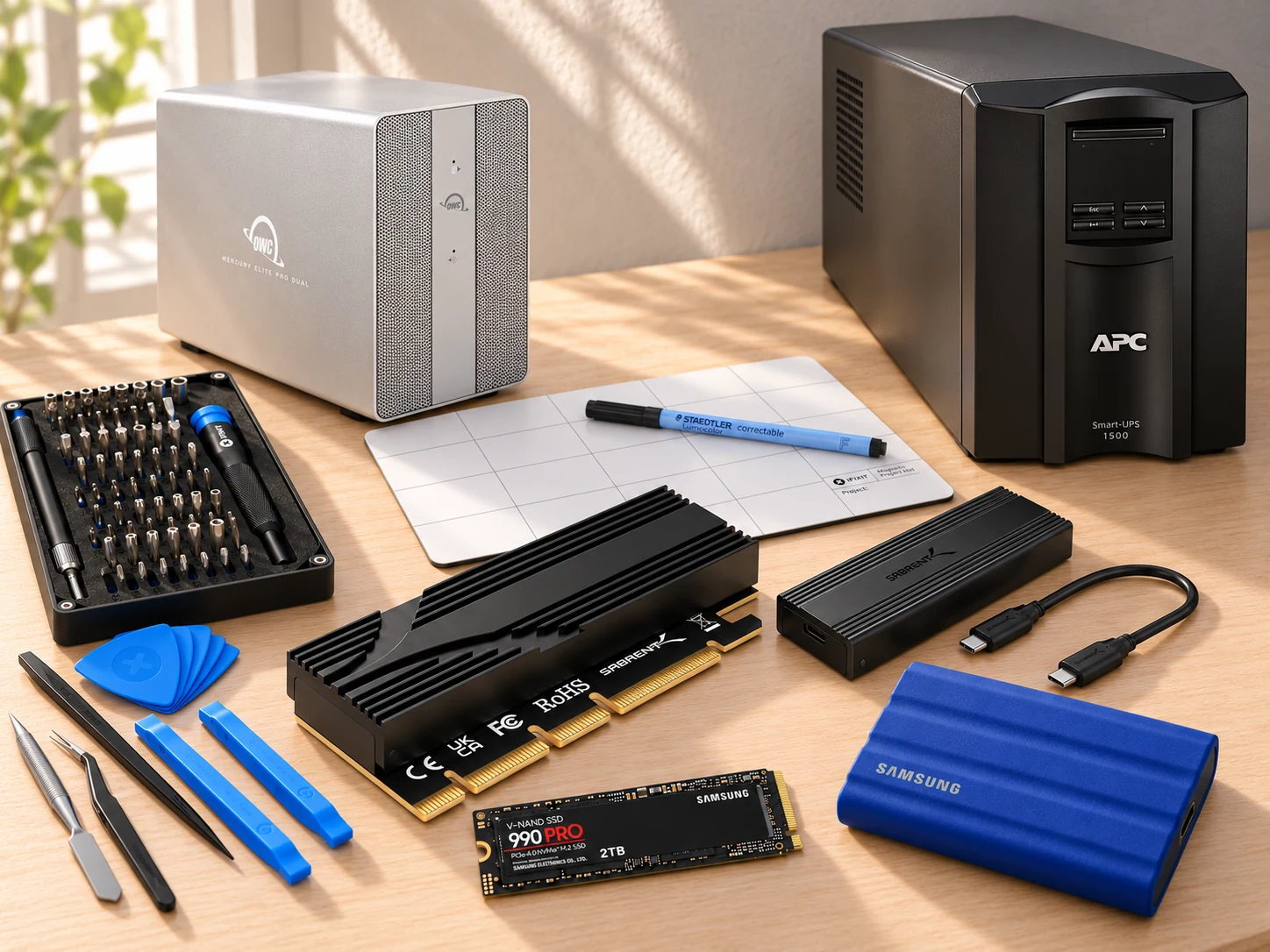
This AI-arranged illustration shows a planned kit using product appearance references. Compare the original photos and the exact listing variant. It does not document an assembled, tested or compatible Header7F lab.
All scene products remain visible and individually linked. Retailer offers and regional delivery can change. Tools interpret supported supplied evidence; handling accessories do not produce diagnostic data.
As an Amazon Associate I earn from qualifying purchases. Amazon links are paid links; check the exact model, seller, price and delivery availability on Amazon.
← Explore the other builds