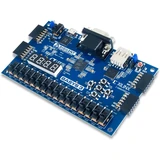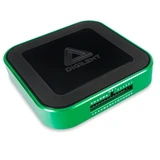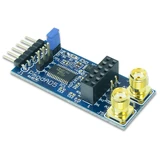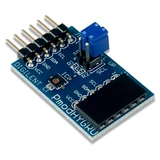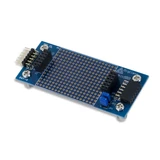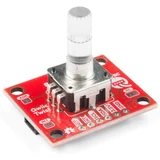
EQUIPMENT WITH A REASON TO BELONG

A more capable bench.
A clearer next move.

Choose the progress you want to make. See how the equipment works together, understand the advantage of each piece, and build around what you already own.

11 goal-led setups4–8 distinct products per setupChoose together. Buy with a plan.
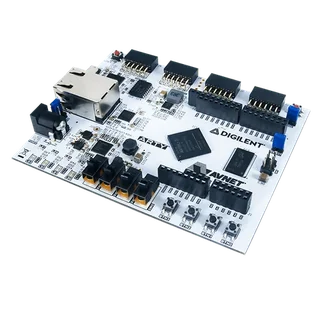
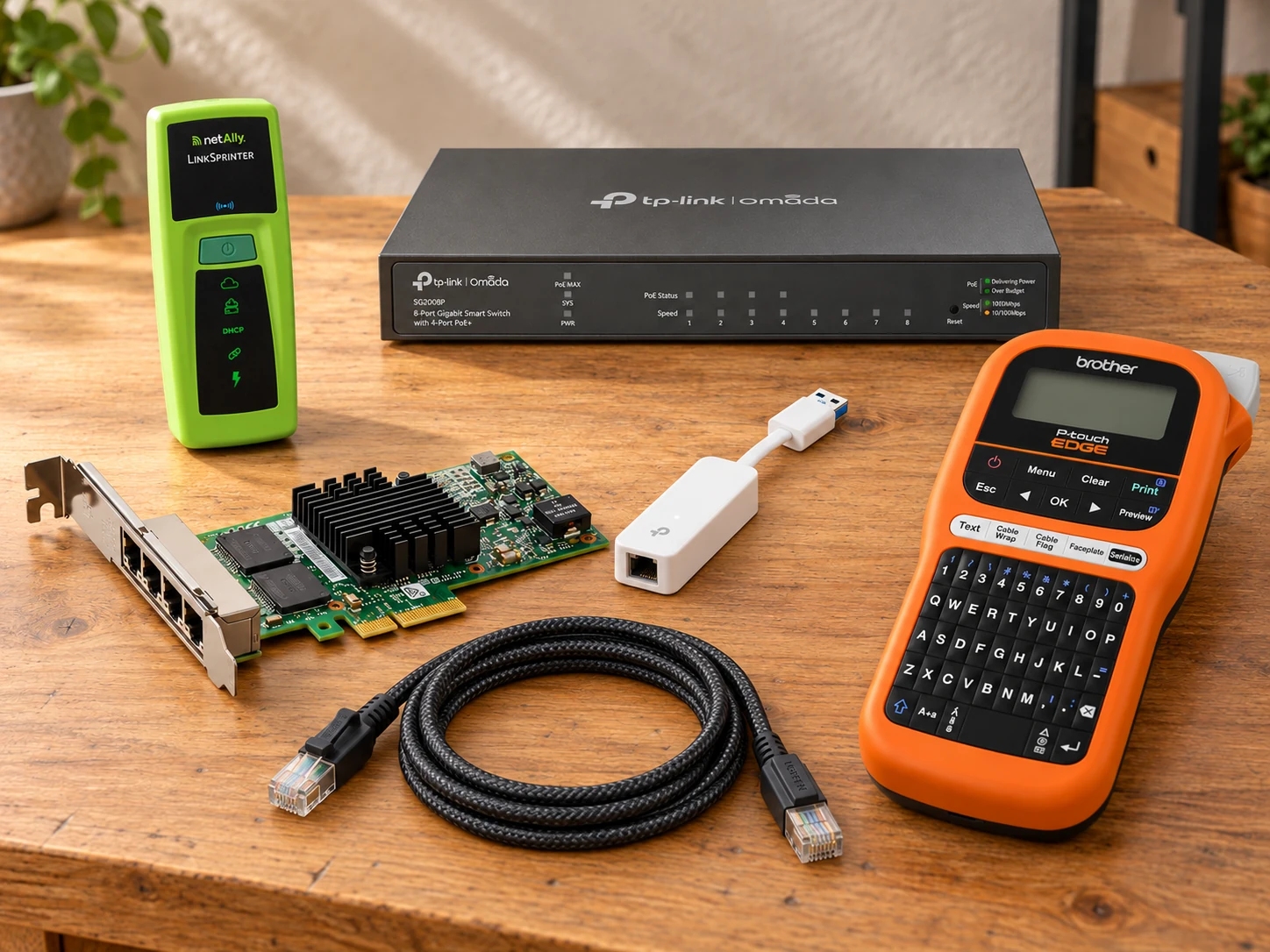
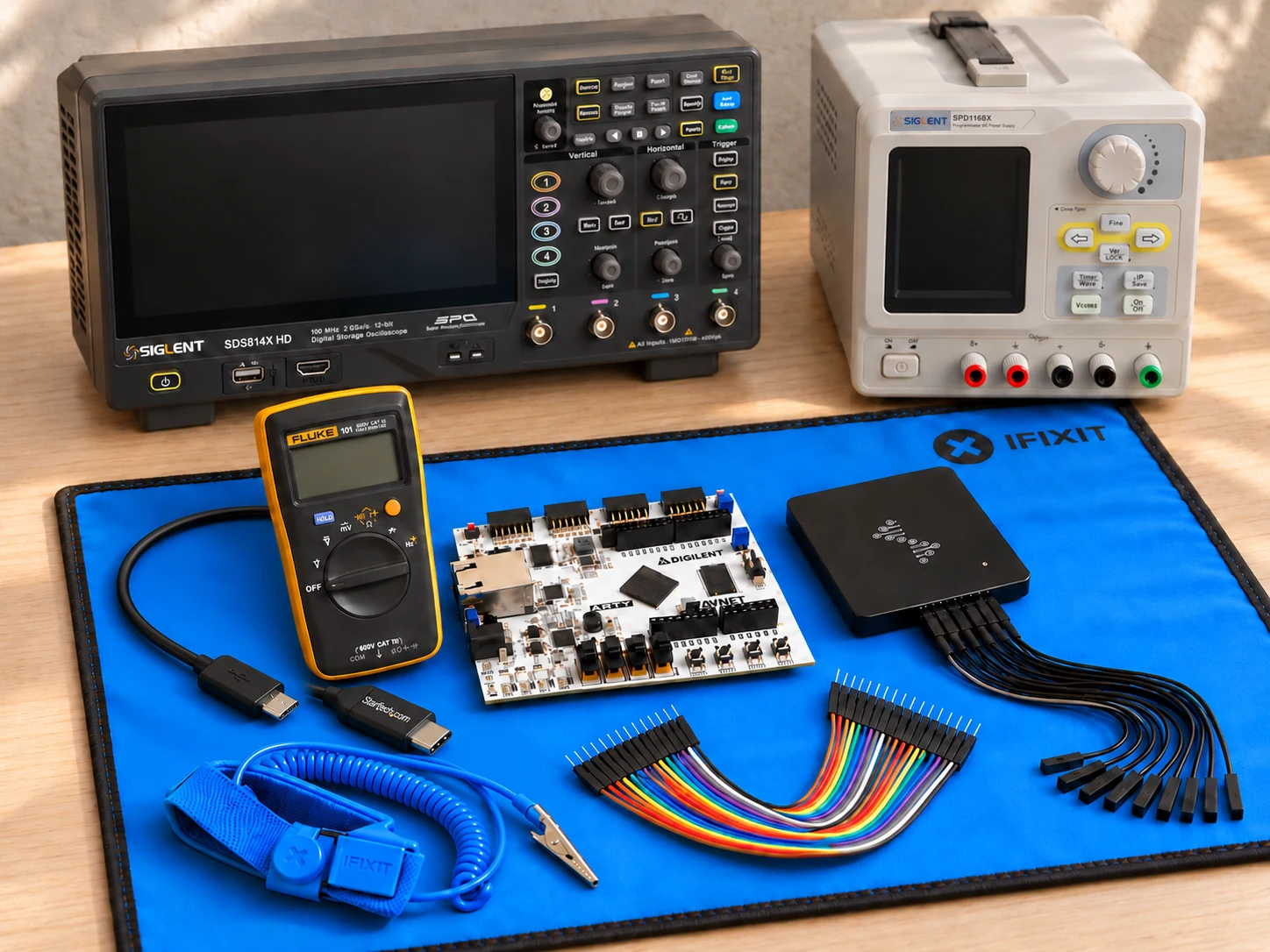
AI illustration of fpga confidence bench; use the product circles to explore the items.BUILD / 01AI illustrationExplore the product circles

From simulation to a real pin

Know what your FPGA actually did.

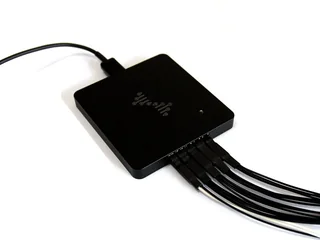
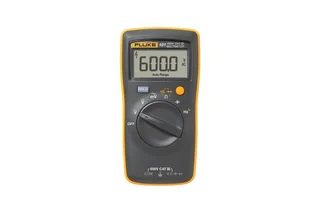
Build a bench for the moment simulation ends: observe the real output, check the electrical conditions and keep a clear record of the next change.

  • ✓ See the sequence
  • ✓ Add electrical context
  • ✓ Make the next run comparable
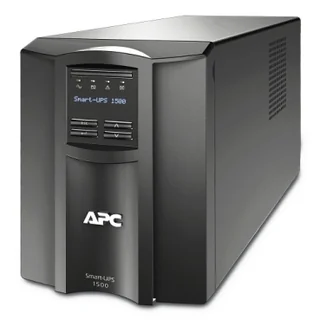
8 products · 2 premium capabilities · 4 DIY concepts

Explore & shop this setup
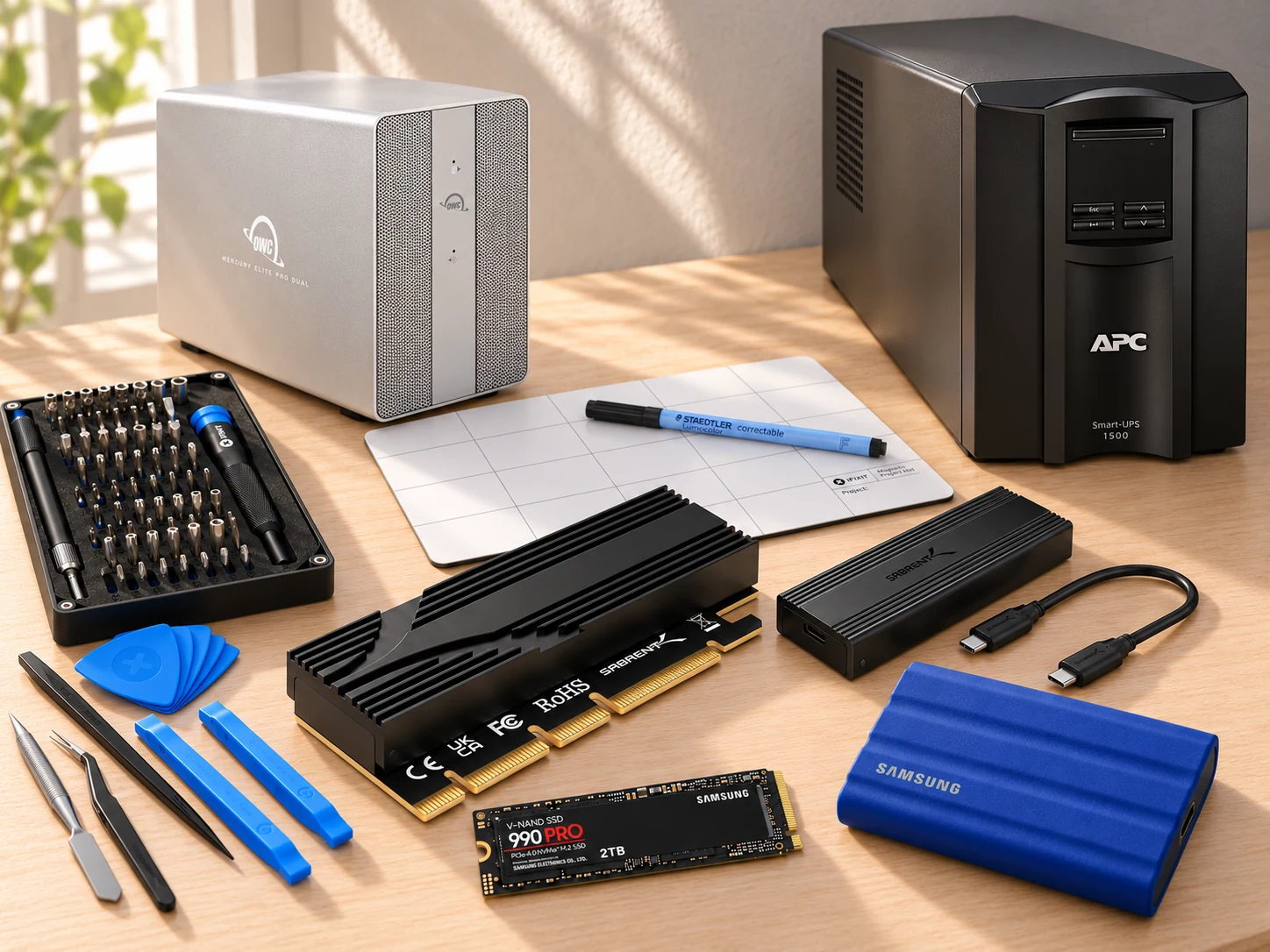
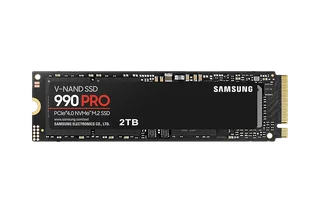
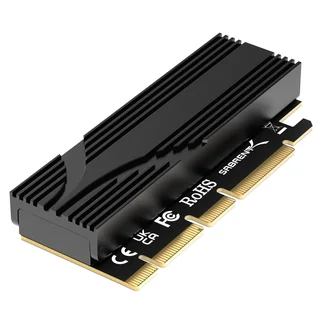
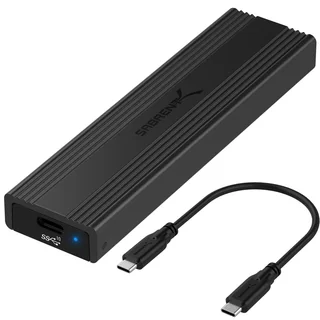
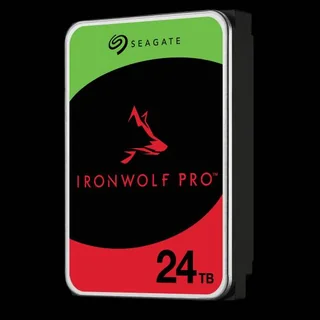
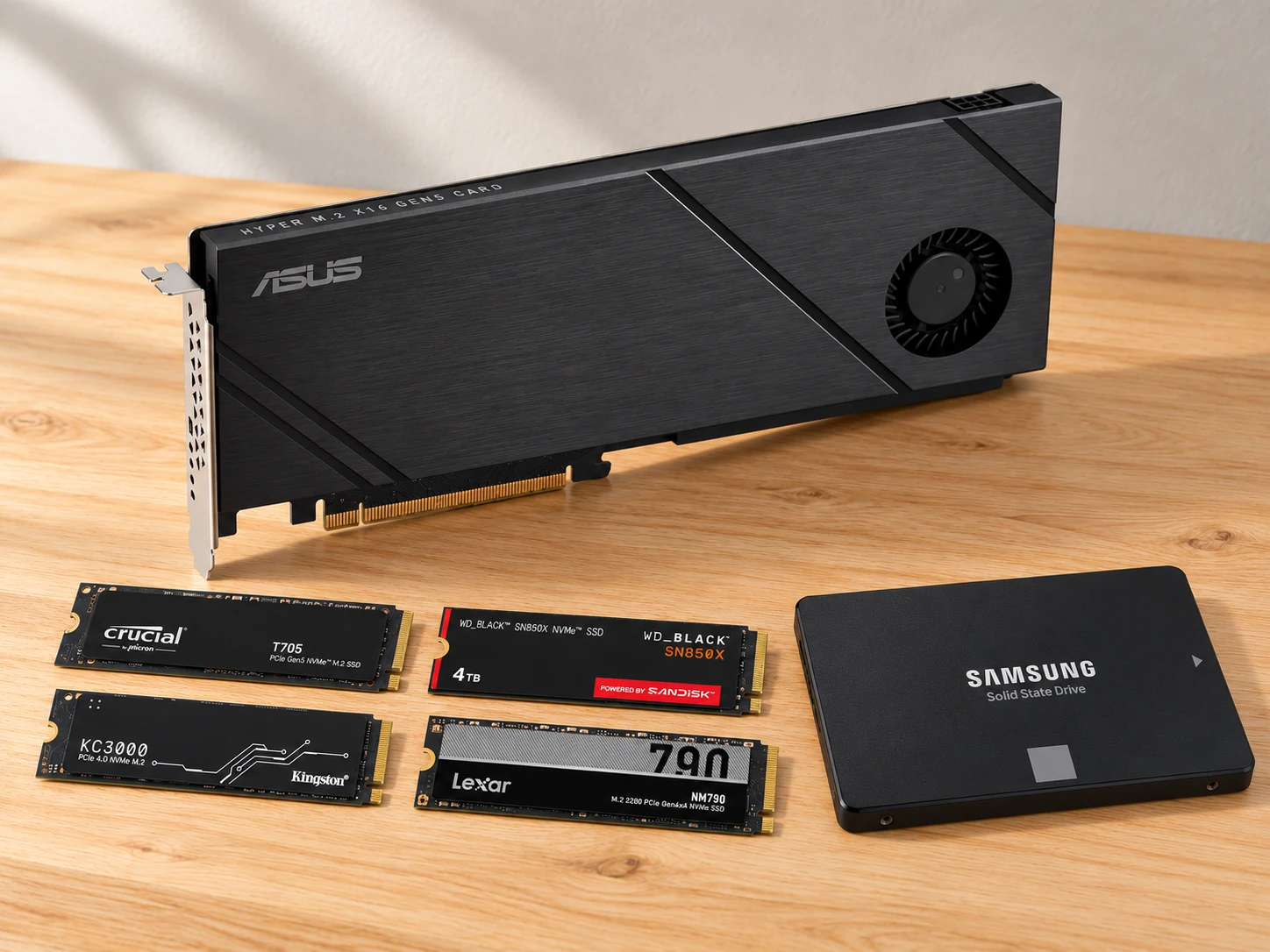
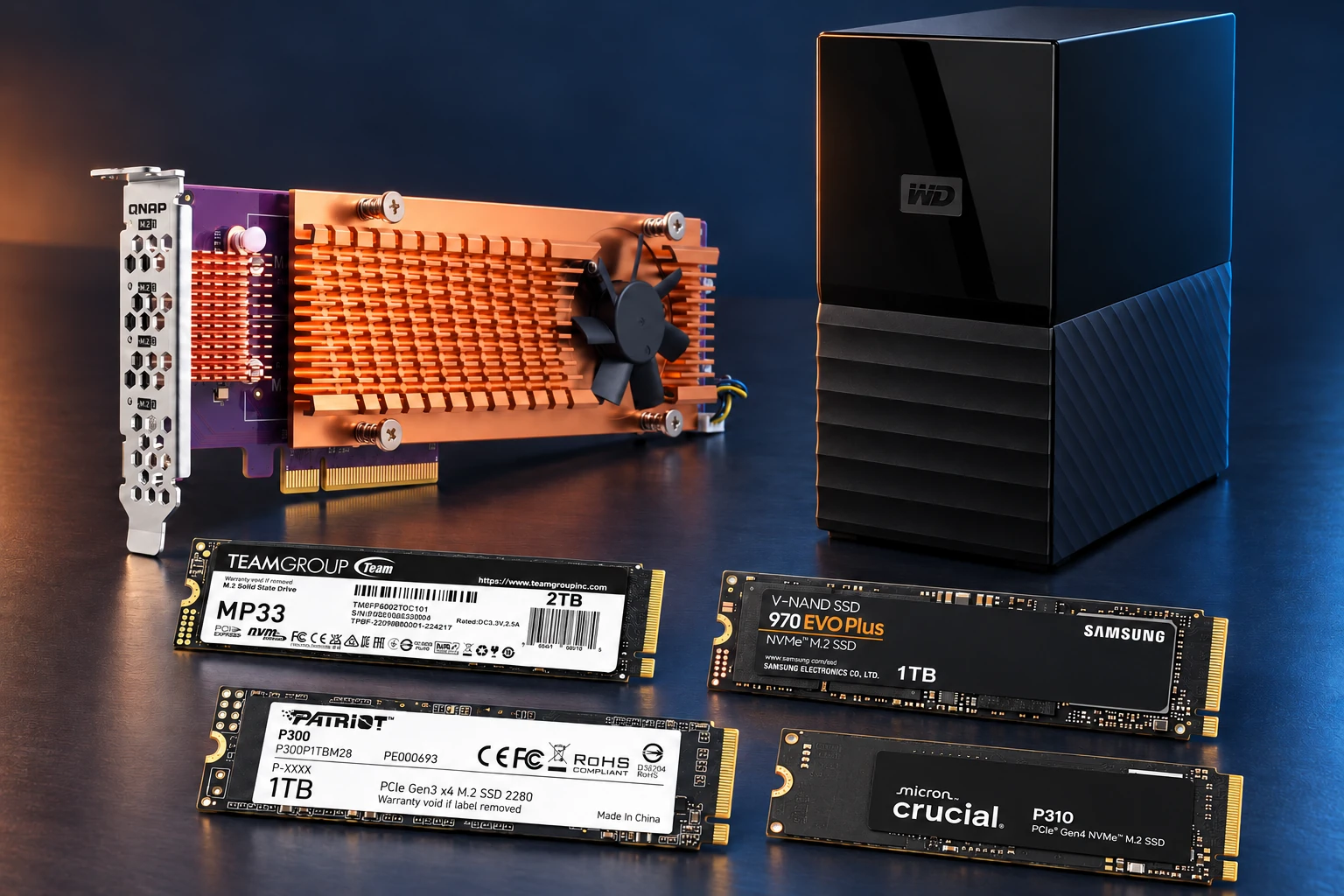
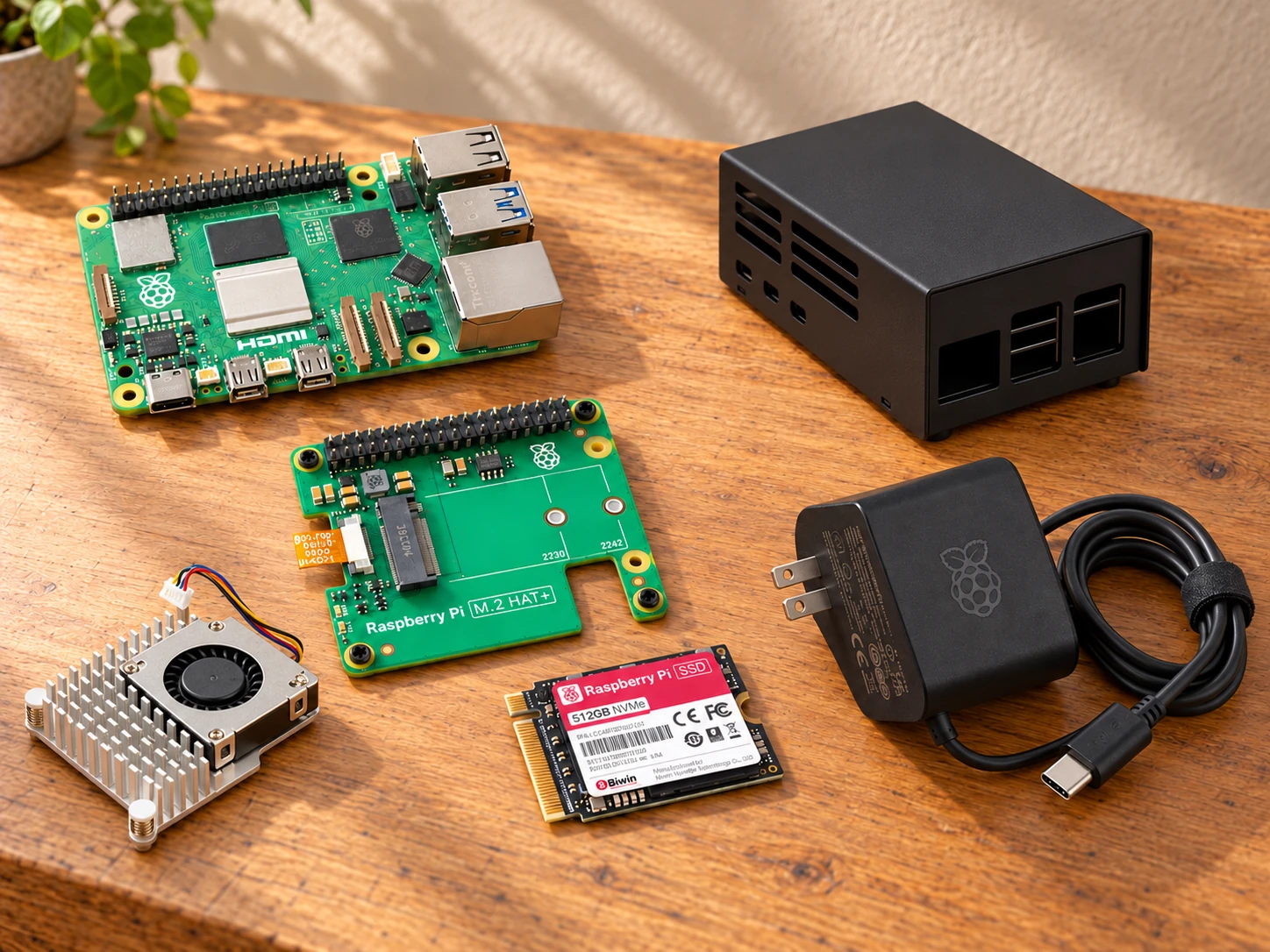
AI illustration of native nvme workstation; use the product circles to explore the items.BUILD / 02AI illustrationExplore the product circles

A recoverable storage upgrade
More room to build. A way back when you change it.

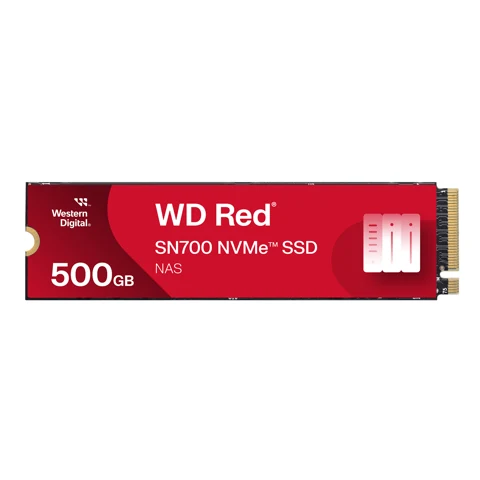
Plan a native NVMe upgrade with separate file copies, orderly installation and a working PCIe baseline you can return to after the next system change.

  • ✓ Give active work its own space
  • ✓ Plan your way back
  • ✓ Keep the change explainable
8 products · 2 premium capabilities · 4 DIY concepts

Explore & shop this setup
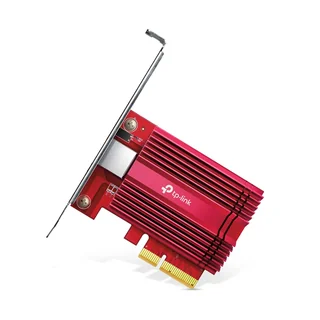
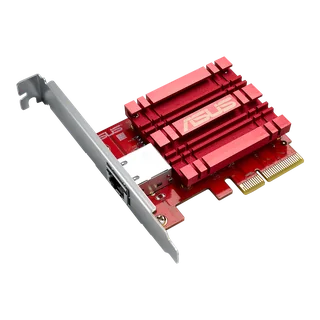
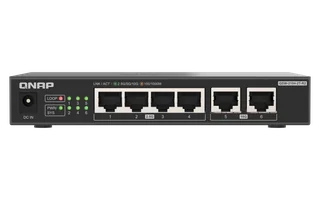
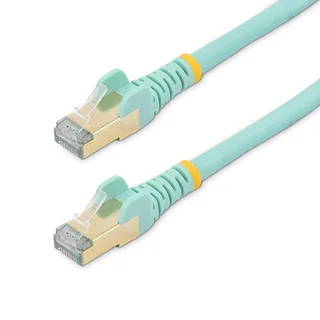
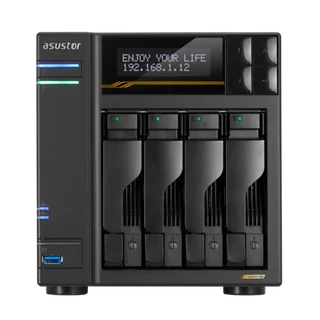
AI illustration of shared 10gbe desk; use the product circles to explore the items.BUILD / 03AI illustrationExplore the product circles

Two workstations, one shared path

Give both workstations one place to finish the job.

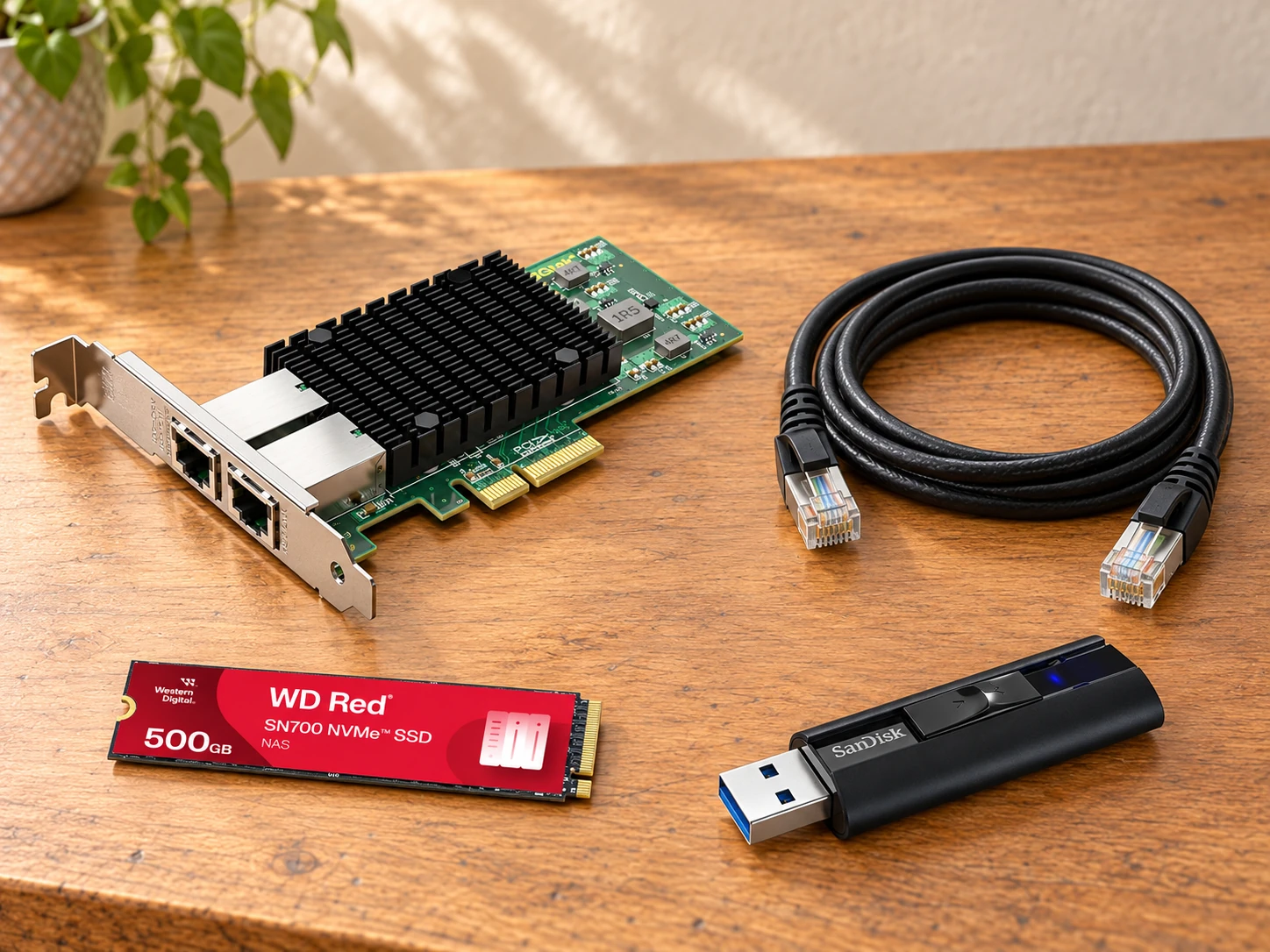
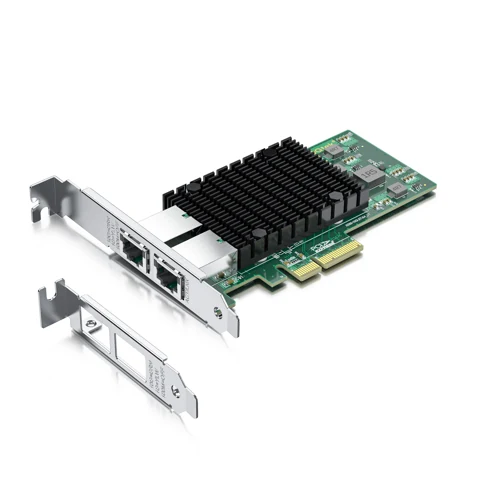
Build a shared home for completed projects, datasets and bench captures, with a planned 10GbE path from each desk and clear evidence for future changes.

  • ✓ Publish once, retrieve from either desk
  • ✓ Give each host a planned data path
  • ✓ Keep the layers clear

6 products · 2 premium capabilities · 4 DIY concepts

Explore & shop this setup
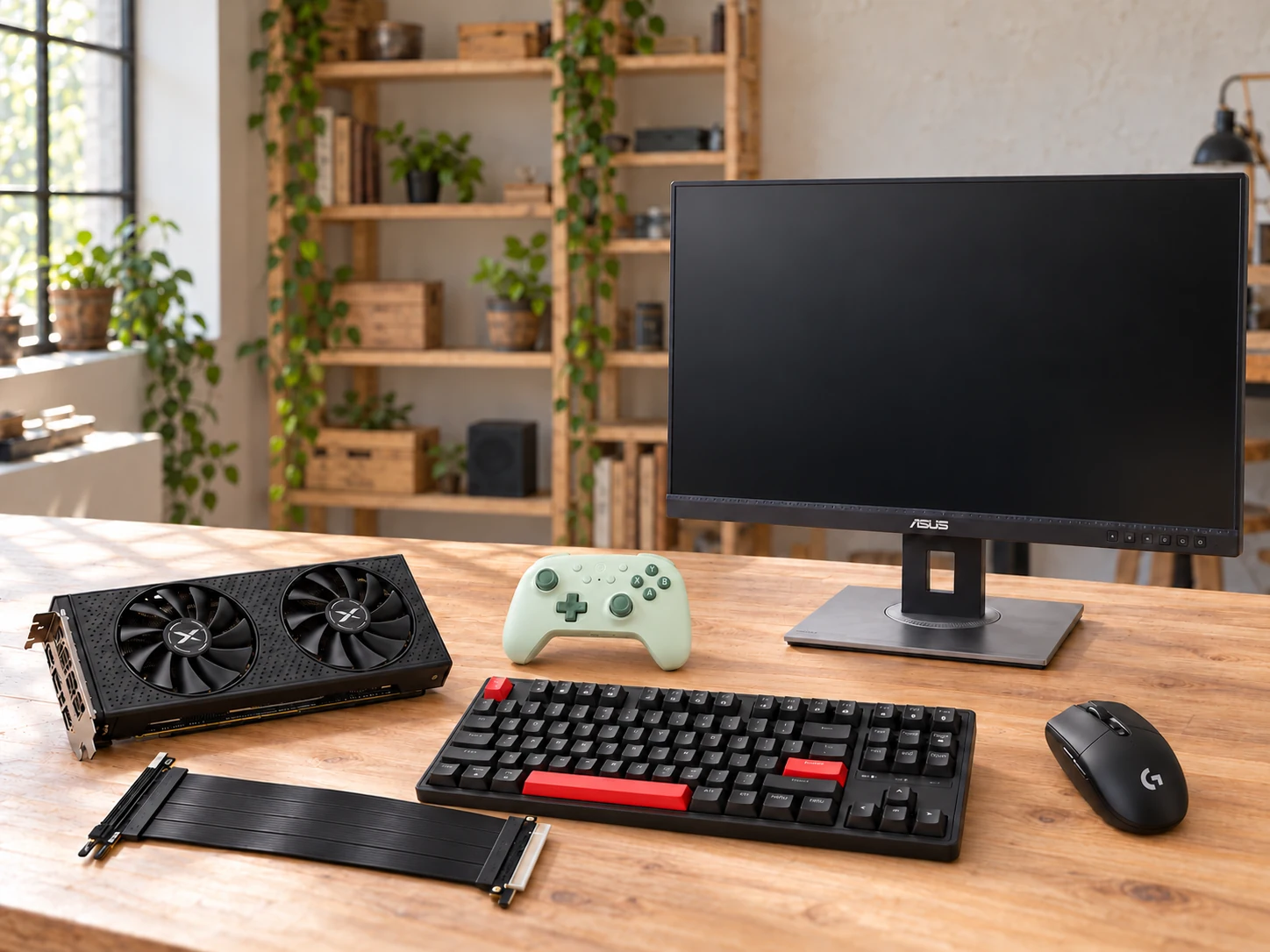
AI illustration of your own gpu desktop; use the product circles to explore the items.BUILD / 04AI illustrationExplore the product circles

Make a personal VM worth sitting down to

Give your VM a desk of its own.

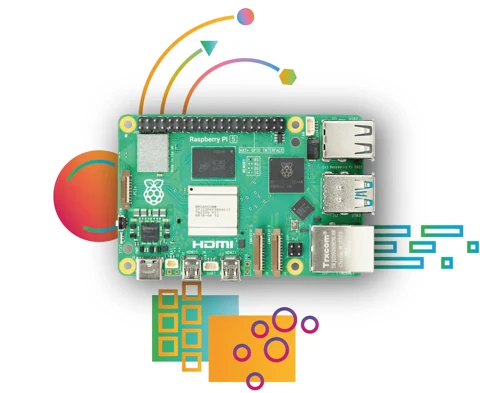
A dedicated graphics path, comfortable controls and a screen you can settle into. Build a personal guest desktop around a suitable computer you already own.

  • ✓ Give the guest a place
  • ✓ Keep normal control
  • ✓ Make the next change explainable

6 products · 2 premium capabilities · 3 DIY concepts

Explore & shop this setup
AI illustration of four-lane desktop workshop; use the product circles to explore the items.BUILD / 05AI illustrationExplore the product circles

A personal build workspace with clear storage jobs

Know what to keep. Know what to clear.

A personal desktop workshop with distinct places for scratch output, VM workspaces, reusable caches and retained artifacts. Start with an owned host that can expose all four native NVMe paths.

  • ✓ Give cleanup a clear boundary
  • ✓ Keep a release shelf
  • ✓ Explain each native path

6 products · 2 premium capabilities · 3 DIY concepts

Explore & shop this setup
AI illustration of packet path workshop; use the product circles to explore the items.BUILD / 06AI illustrationExplore the product circles

A personal SR-IOV and network experiment desk

Follow the packet. Keep your way back.

A personal SR-IOV and packet-path workshop: deliberate ports, separate host access and an independent first check when a virtual network stops making sense.

  • ✓ Keep host access deliberate
  • ✓ Separate the layers
  • ✓ Make tomorrow’s path recognizable

6 products · 2 premium capabilities · 3 DIY concepts

Explore & shop this setup
AI illustration of private photo library; use the product circles to explore the items.BUILD / 07AI illustrationExplore the product circles

Keep a personal phone-photo library at home

Keep your photos close. Make the little box your own.

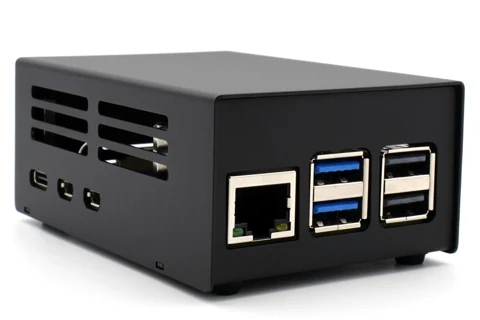
A local photo library, a short NVMe drive and a small Pi you can understand. Start with one album, then build a backup routine you have actually tried.

  • ✓ Find your own pictures again
  • ✓ Build a stack that fits
  • ✓ Know what you can recover

6 products · 2 premium capabilities · 3 DIY concepts

Explore & shop this setup
AI illustration of network boot recovery station; use the product circles to explore the items.BUILD / 08AI illustrationExplore the product circles

Make the next rebuild predictable

Give every rebuild a familiar starting point.

A local boot menu, selected recovery assets and one reusable USB entry path for the machines you already own.

  • ✓ Return to one clear menu
  • ✓ Keep selected assets close
  • ✓ Preserve the successful context

4 products · 2 premium capabilities · 3 DIY concepts

Explore & shop this setup
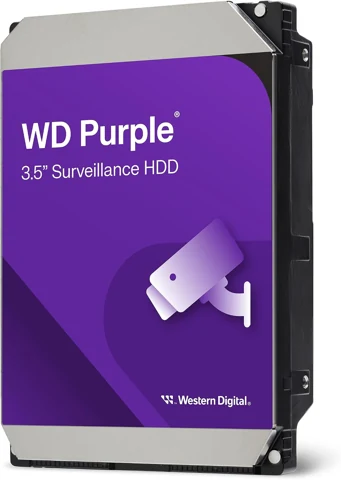
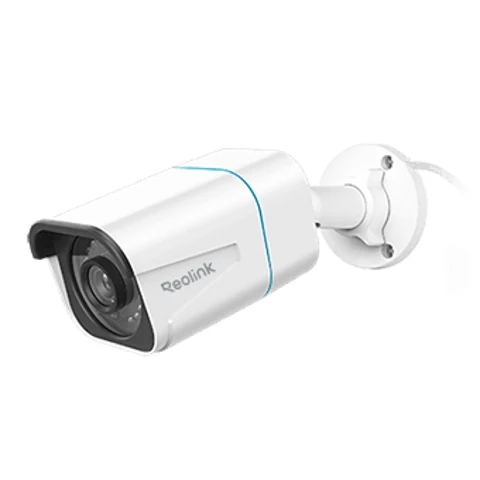
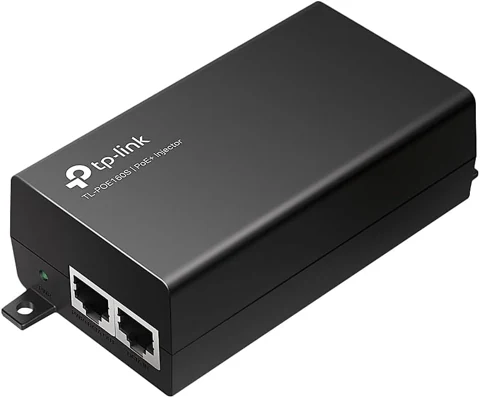
AI illustration of local camera recorder; use the product circles to explore the items.BUILD / 09AI illustrationExplore the product circles

A single view with a local recording plan

Keep one view. Own the replay.

Build a small local recording workflow around a suitable PC you already own: one wired camera, a deliberate storage plan and a supported decoding path.

  • ✓ Find the moment again
  • ✓ Choose what stays
  • ✓ Keep the host explainable

4 products · 2 premium capabilities · 3 DIY concepts

Explore & shop this setup
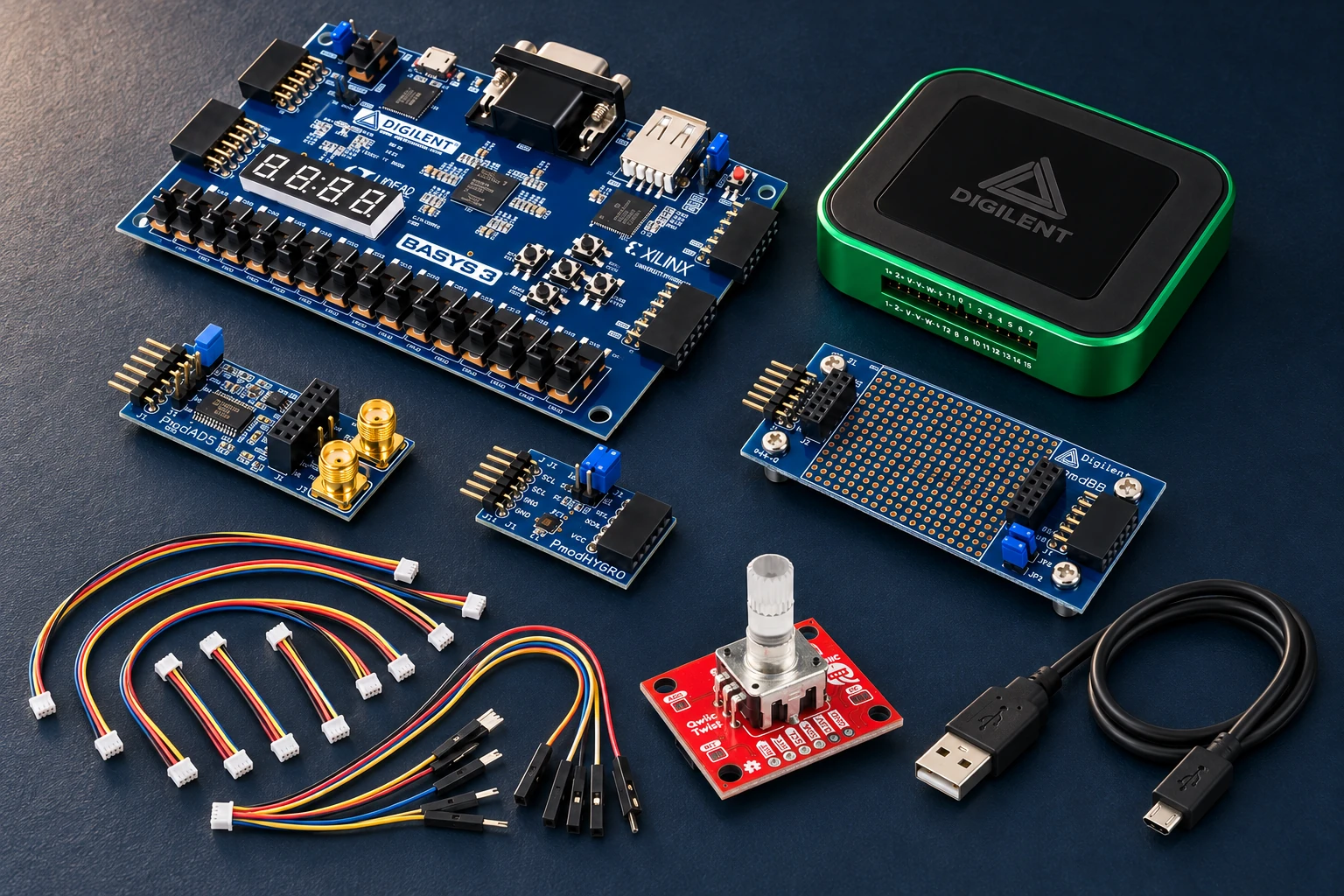
AI illustration of fpga sensor instrument; use the product circles to explore the items.BUILD / 10AI illustrationExplore the product circles

Build a sensor instrument you understand

Build the instrument. Understand the reading.

Live room measurements, a physical setting dial and an independent way to see the signal. Turn an FPGA learning project into something you can use on your desk.

  • ✓ Make something useful
  • ✓ Control it by hand
  • ✓ Explain the surprising reading

8 products · 2 premium capabilities · 3 DIY concepts

Explore & shop this setup
AI illustration of one-slot media workshop; use the product circles to explore the items.BUILD / 11AI illustrationExplore the product circles

A clearer home for originals, edits, exports and the copy you can restore

Make space for the work. Keep a way back.

One switched expansion route, four possible storage jobs and an external copy you can test—built around a compatible desktop you already own.

  • ✓ Expand the desktop you know
  • ✓ Clear the cache with confidence
  • ✓ Finish with a restore

6 products · 2 premium capabilities · 3 DIY concepts

Explore & shop this setup

MAKE THE EQUIPMENT EARN ITS PLACE

A useful capability.
A reason for every piece.

Each setup connects a real job to a complete equipment plan. Product advantages, host requirements and practical usage ideas help you decide what belongs on your bench.

Keep equivalent equipment you own. Review the planned quantities, use one Amazon selection where supported, and follow clearly marked supplier links for the remaining items.

Prefer to choose one component? Browse all hardware →

As an Amazon Associate I earn from qualifying purchases. Amazon links are paid links; check the exact model, seller, price and delivery availability on Amazon.

Scenes are AI illustrations made from the selected product photos. These are proposed workflows; no measured hardware result or compatibility certification is claimed.

Message us