Publish once, retrieve from either desk
Put completed, permissioned project files in a named NAS share. Use labelled releases and checksum manifests so a handoff is more precise than a filename.
Two workstations, one shared path / BUILD 03
Build a shared home for completed projects, datasets and bench captures, with a planned 10GbE path from each desk and clear evidence for future changes.
5 Amazon items + 1 separate supplier purchase. Choose around the equipment you own.
A PIECE OF THE BUILD
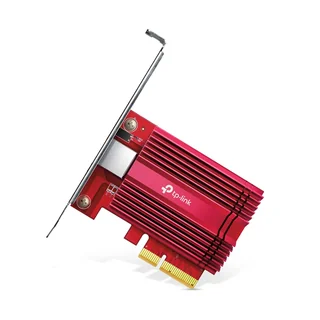
TX401
Give the first workstation a 10GbE copper endpoint if it does not already have one.
Ethernet: One 10GbE RJ45 port
View on Amazon paid link · confirm current offerDetails & Header7F checksA PIECE OF THE BUILD
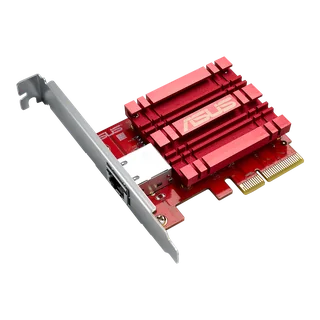
XG-C100C
Add the peer workstation’s endpoint. These two cards belong in two different machines.
Ethernet: One 10GbE RJ45 port
View on Amazon paid link · confirm current offerDetails & Header7F checksA PIECE OF THE BUILD
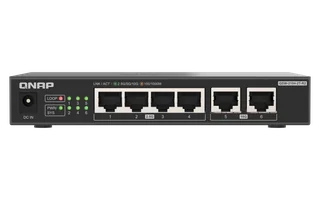
QSW-2104-2T-R2
Use the switch for the shared management/LAN path in the NAS idea. Its two 10GbE ports cannot give two hosts and a NAS three simultaneous 10GbE switch uplinks.
Fast ports: Ports 5 + 6: 10GbE
Buy at B&H separate supplier purchaseDetails & Header7F checksA PIECE OF THE BUILD
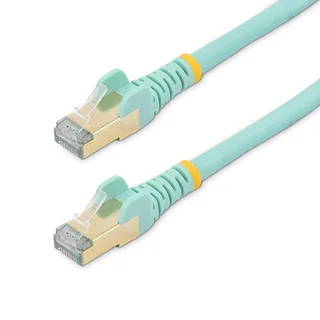
C6ASPAT5AQ
Choose this shorter run for the first workstation’s direct NAS link if its length suits the desk. Reuse a supplied NAS Cat6A cable when it already covers the role.
Length: 5 ft / 1.5 m
View on Amazon paid link · confirm current offerDetails & Header7F checksA PIECE OF THE BUILD · PREMIUM
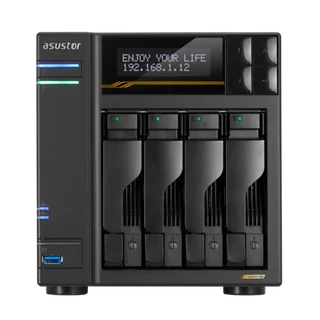
AS6804T
Give two already-equipped workstations one named place for completed captures, FPGA build artifacts and verified file copies, while keeping native PCIe evidence on the hosts.
Storage chassis: 4 × SATA 3 bays for 3.5/2.5-inch disks; 4 × M.2 slots; diskless
View on Amazon paid link · confirm current offerDetails & Header7F checksA PIECE OF THE BUILD · PREMIUM
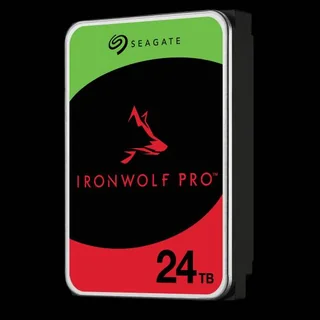
ST24000NT002
Give the shared archive one high-capacity storage device. Keep a separately verified backup because this single-drive setup has no disk redundancy.
Selected drive: 24TB ST24000NT002; 3.5-inch SATA 6Gb/s; 512e
View on Amazon paid link · confirm current offerDetails & Header7F checksPut completed, permissioned project files in a named NAS share. Use labelled releases and checksum manifests so a handoff is more precise than a filename.
Connect each workstation directly to a separate NAS 10GbE interface. Keep independent administration access and measure the actual copy workload.
Retain host PCIe evidence, network observations and checked copy/restore results together. A later change can be compared with the same documented baseline.
THE REASON TO BUILD IT
A project becomes harder to hand off when its bitstream, capture files and notes live on different desktops. A portable drive moves a batch, but a shared archive gives both workstations a named place to publish and retrieve completed work.
The ASUSTOR NAS is that shared destination. One high-capacity drive starts the archive, and one distinct PCIe adapter equips each workstation for its own direct 10GbE NAS connection. Keep the normal management network available and preserve host evidence separately from file-copy results. You gain a clear place for the work and a clearer way to investigate the path it takes.
IMAGINE WHAT YOU COULD MAKE
Small inventions with a useful purpose.
Choose the idea that earns a place on your bench.
Original DIY concepts inspired by maker builds. You supply the code and validation. Shopping links open in a new tab; Amazon links are paid links.
DIY CONCEPT / 01
Make a release library for approved bitstreams, firmware and build notes on the ASUSTOR Lockerstor, populated with one 24TB IronWolf Pro drive. Publish each named release beside its checksum and hardware report. The next time someone asks ‘Which file did we flash?’, the answer has a home.
Header7F can help
Console Export the supplied hardware evidence to keep beside the release it describes.
PCI config decoder Inspect the publishing workstation’s supplied NIC PCIe configuration.
You supply release labels and checksum checks. A single 24TB drive has less usable capacity after overhead, provides no disk redundancy and needs an independent backup.
DIY CONCEPT / 02
Give the capture desk and analysis desk one project archive. The TX401 and ASUS XG-C100C connect their hosts to the shared store’s two 10GbE ports, while named folders keep raw captures, probe settings and conclusions together. Build a handoff station where the next engineer receives the evidence behind the conclusion.
Header7F can help
Console Compare supported PCIe captures and export reports to your shared investigation folder.
PCIe Bus Error decoder Interpret relevant host PCIe error logs when either adapter’s path needs investigation.
The two direct NAS links need an independent IP plan. Header7F does not import arbitrary scope/DSView sessions or measure Ethernet throughput.
DIY CONCEPT / 03
Keep a read-only master dataset on the shared store and stage a named working copy on your computer. Choose the optional 5 ft Cat6A cable only when its length suits that direct link. Add a simple manifest connecting each result to its input version: a useful check-out desk for image-processing experiments, simulation inputs and FPGA regression data.
Header7F can help
PCI config decoder Document the host adapter’s native PCIe installation from supplied evidence.
Console Preserve that host baseline beside your independently measured transfer and experiment results.
Reuse a supplied NAS cable when it fits. Dataset, manifest and copy-verification software are separate; disk I/O, host storage and workload determine actual transfer speed.
DIY CONCEPT / 04
Create a local depot of board manuals, known-good drivers, firmware and recovery notes on the shared store. Use the QNAP switch for an appropriately planned ordinary-LAN management path, keeping the workstations’ direct fast links separate. Keep the exact package that worked close to the hardware that may need it again.
Header7F can help
Console Save the known-good host PCIe capture and export its report into the recovery folder.
PCIe Bus Error decoder Make later supplied PCIe error logs readable alongside the earlier baseline.
Configure the local share separately and keep an independent backup. This switch has two 10GbE ports; it cannot switch three fast uplinks at once.
These projects inspired the approach. The concepts above are Header7F adaptations, not tested reproductions of these builds.
EVERY PIECE HAS A JOB
Six distinct products, one of each. Reuse supported 10GbE ports, a suitable owned handling setup and the four Cat6A cables supplied with the NAS. The QNAP switch and one alternate cable are optional; the archive needs an independent backup.
Equip the first workstation for its NAS link
Add a 10GBASE-T copper endpoint when the first computer lacks one. Record its driver and native PCIe path so this host has a baseline before a future change.
First-host adapter. Requires a suitable slot and supported OS/driver; reuse an existing port.
Before choosing itA supported PCIe slot, card clearance and an appropriate OS/driver.
With Header7FInspect this host’s PCIe evidence →
The PCIe link and Ethernet negotiation are different observations. The Console does not measure network throughput.
Manufacturer specificationsGive the second desk its own endpoint
Equip the peer workstation for a separate direct NAS connection. Keep its identity, driver and captures distinct from the first host for meaningful comparisons.
Second-host adapter. It belongs in the other workstation, subject to exact revision and driver support.
Before choosing itA compatible peer slot and exact card revision with official OS/driver support.
With Header7FRead relevant PCIe error evidence →
Keep each host’s identity and driver separate. Two different adapters are not a controlled brand comparison.
Manufacturer specificationsKeep a shared management network available
Use the compact fanless switch where an additional local management/LAN connection is useful. Keep its port roles explicit while the two dedicated data links connect directly to the NAS.
Optional management switch. Two 10GbE ports and four 2.5GbE ports; it cannot provide three switched 10GbE uplinks.
Before choosing itVerify the exact R2 variant. Ports 5 and 6 are its fast ports; a NAS management connection to a 2.5GbE port is limited by that port.
With Header7FSeparate host and network evidence →
Header7F does not connect to or manage this unmanaged switch. A 2.5GbE port caps that Ethernet path.
Manufacturer specificationsSeparate purchase at B&H
Buy at B&H separate supplier purchaseExact QSW-2104-2T-R2-US model. Separate B&H purchase.
Fit the nearer route to the desk
Choose the 5 ft Cat6A run when it suits a nearby workstation-to-NAS connection. A deliberate cable route keeps the physical path easy to identify during a later comparison.
Optional length choice. Reuse a supplied NAS cable when it already fits.
Before choosing itA desk route that fits 5 ft / 1.5 m, with appropriate bend and strain relief.
With Header7FKeep the cable route with the report →
AER does not establish Ethernet cable quality. Diagnose network negotiation/counters with the NIC’s own tools.
Manufacturer specificationsCreate one named destination for both desks
Use the four-bay NAS for permissioned shares containing completed projects and verified exports. Its two 10GbE interfaces support the proposed separate host links, while another port keeps management distinct.
Shared storage endpoint, supplied diskless. Requires drives, subnet planning, ADM setup and a separate backup.
Before choosing itTwo compatible PCIe hosts and drivers; AC power and ventilation; one compatible SATA drive for the single-drive setup; a separate off-NAS backup policy; ADM setup and SMB/NFS permissions; an existing management LAN and host onboard LAN/Wi-Fi. Dedicated host-to-NAS paths need two non-overlapping IP subnets and no default gateway on those isolated links. Reuse existing hardware first.
With Header7FReview host-side NIC evidence →
Header7F can help interpret PCIe link/AER evidence from each host NIC. It does not configure ADM, log into the NAS, validate a RAID pool, measure network throughput or prove storage integrity. USB4 host-to-host mode is not supported; do not present this NAS as a USB-attached disk.
Manufacturer specificationsGive the shared archive room to grow
One 24TB drive gives completed projects and datasets a high-capacity destination. Keep retained copies and a checked restore on a separate backup, because this single-drive selection provides no disk redundancy.
One drive. Verify the delivered full model/firmware and NAS compatibility before initialization.
Before choosing itVerify the current AS6804T compatibility list and delivered full part number/firmware. Install one drive and initialize the intended single-drive storage in ADM following manufacturer instructions. Initialization can erase data. Keep a separate backup and test a restore.
With Header7FKeep host-side evidence context →
Header7F does not read this drive’s SMART data, test platter health, manage RAID or validate a backup. Use ADM and Seagate diagnostics for NAS/disk status; use independent copy/checksum/restore tools for the data. A mechanical HDD can limit sustained I/O well below 10GbE line rate.
Manufacturer specificationsMarketplace offer: confirm seller, new condition, warranty and exact model.
YOUR FIRST USEFUL RESULT
Two documented host-to-NAS paths and a checked file transfer, with native PCIe evidence kept separate.
Identify each NIC, driver and native PCIe path. Plan an independent management connection and unused direct-link subnets before configuring the NAS.
Verify the delivered drive/firmware compatibility and initialize the single-drive storage before copying important files. Connect each workstation to its assigned NAS 10GbE interface; use a separate NAS port for management.
Use a known dataset and an independent integrity check. Keep host PCIe/AER evidence, network observations and disk/restore results distinct; retain a separate backup.
Ethernet speed, network traffic and host PCIe state answer different questions. Keep the independently measured network result with the report.
A CONSIDERED PURCHASE
For the expanded NAS idea, connect each host directly to a different NAS 10GbE port on separately planned subnets. The QNAP has only two 10GbE ports; use it for the separate management/LAN path. Reuse the four Cat6A cables supplied with the NAS if their lengths fit.
One equips the first workstation and the other equips its peer. They go in different computers. Reuse an existing supported 10GbE port on either host instead of buying a card for that role.
This switch has only two 10GbE ports. The expanded plan instead gives each host its own direct NAS 10GbE link on a separate planned subnet, with no gateway on those isolated links. Use the existing LAN or Wi-Fi for host administration and a separate NAS port for management.
One 24TB drive provides nominal 24TB before formatting and metadata. This is single-drive storage with no RAID redundancy. Confirm the exact delivered drive and firmware against the NAS compatibility list, and retain an independent backup.
No. A separate checked backup supports recovery from disk failure, deletion or broader loss. Mechanical drive I/O, the hosts and the workload can limit copies below the network link rate. Measure your actual task and test a restore.
Reuse the NAS’s four included Cat6A cables if their lengths fit. The single listed StarTech cable is an optional shorter route. Header7F helps interpret supplied host PCIe/AER evidence; ADM, networking and independent copy/restore tools handle the NAS, network and files.
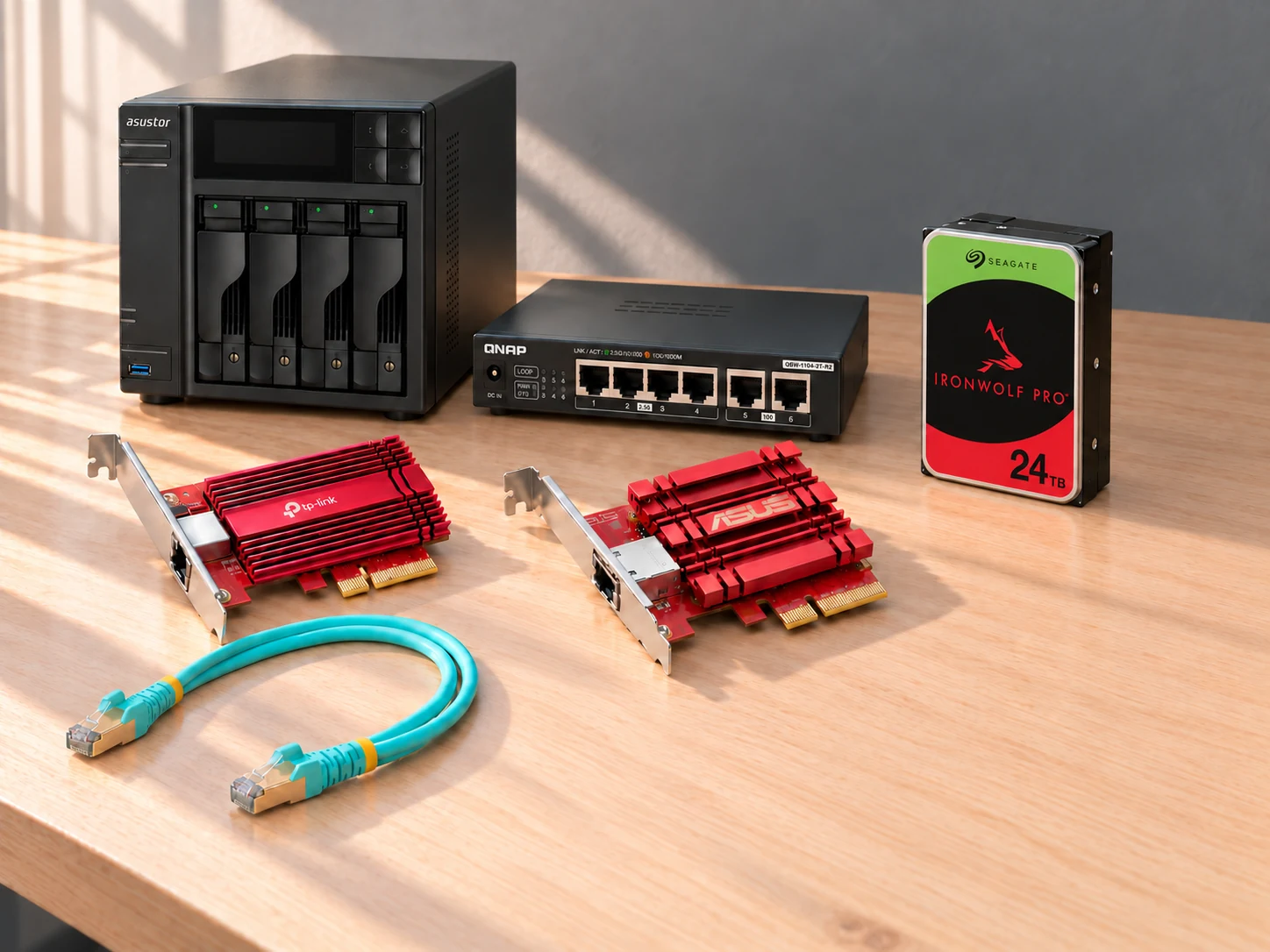
This AI-arranged illustration shows a planned kit using product appearance references. Compare the original photos and the exact listing variant. It does not document an assembled, tested or compatible Header7F lab.
All scene products remain visible and individually linked. Retailer offers and regional delivery can change. Tools interpret supported supplied evidence; handling accessories do not produce diagnostic data.
As an Amazon Associate I earn from qualifying purchases. Amazon links are paid links; check the exact model, seller, price and delivery availability on Amazon.
← Explore the other builds