See the sequence
Use a known Arty output and DSLogic to record which digital event happened first and what changed after an RTL update.
From simulation to a real pin / BUILD 01
Build a bench for the moment simulation ends: observe the real output, check the electrical conditions and keep a clear record of the next change.
7 Amazon items + 1 separate supplier purchase. Choose around the equipment you own.
A PIECE OF THE BUILD
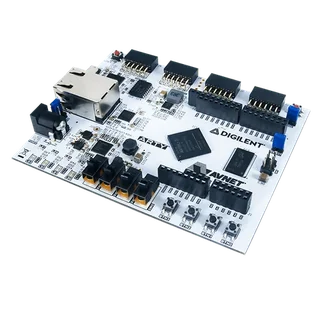
Arty A7-100T
Give your RTL a real pin to drive. Start with a deliberately slow counter output you can recognize.
FPGA: Artix-7 XC7A100T
View on Amazon paid link · confirm current offerDetails & Header7F checksA PIECE OF THE BUILD
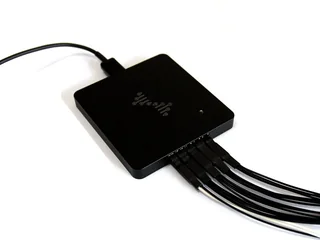
DSLogic Plus
See the output your design actually produces, with a named signal and a shared ground.
Channels: 16 digital
View on Amazon paid link · confirm current offerDetails & Header7F checksA PIECE OF THE BUILD
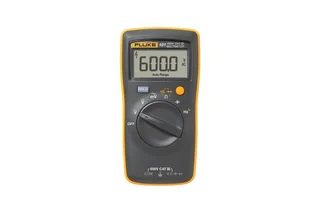
101
Check an appropriate board test point and power-off continuity before blaming the logic.
Use here: Board DC voltage / continuity
View on Amazon paid link · confirm current offerDetails & Header7F checksA PIECE OF THE BUILD
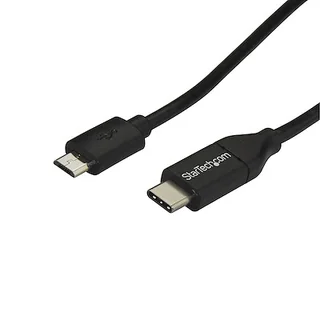
USB2CUB1M
Connect a USB-C host to the Arty programming interface with a real data cable.
Model: USB2CUB1M
View on Amazon paid link · confirm current offerDetails & Header7F checksA PIECE OF THE BUILD
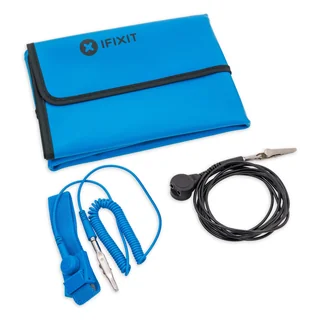
IF145-202-5
Give the board a considered handling surface while you change one part of the setup at a time.
Surface: 60 × 60 cm
View on Amazon paid link · confirm current offerDetails & Header7F checksA PIECE OF THE BUILD
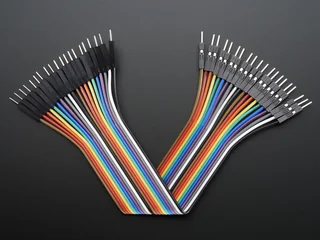
1957
Bridge the Arty’s female Pmod sockets to the female ends of the analyzer’s supplied fly wires.
Pack: 20 wires
Buy at Adafruit separate supplier purchaseDetails & Header7F checksA PIECE OF THE BUILD · PREMIUM
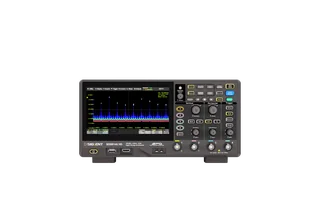
SDS814X HD
Check whether a known slow FPGA debug output has a clean voltage transition, then relate that observation to your digital capture.
Analog channels: 4
View on Amazon paid link · confirm current offerDetails & Header7F checksA PIECE OF THE BUILD · PREMIUM
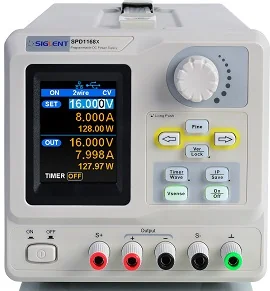
SPD1168X
Set a documented external board supply deliberately and record its voltage/current-limit settings before comparing startup behavior.
Output capacity: 0–16 V / 0–8 A, 128 W maximum
View on Amazon paid link · confirm current offerDetails & Header7F checksUse a known Arty output and DSLogic to record which digital event happened first and what changed after an RTL update.
Use the scope for the output’s voltage shape and the meter for appropriate DC checks. Add controlled external power when the documented task calls for it.
Keep wiring, handling and programming deliberate. Preserve the same conditions so your next capture has a useful baseline.
THE REASON TO BUILD IT
An unexpected board result leaves several questions open. Did the intended pin toggle? Was the sequence right? Did the voltage transition behave as expected? Changing the RTL before answering those questions can send the investigation in the wrong direction.
This bench gives those questions their own tools. Arty provides a repeatable test design, DSLogic records digital events, and the scope adds an analog view. The meter and optional supply help document power conditions. Cables, jumpers and a grounded handling surface complete the physical setup. Your next decision can start with an observation you can explain.
IMAGINE WHAT YOU COULD MAKE
Small inventions with a useful purpose.
Choose the idea that earns a place on your bench.
Original DIY concepts inspired by maker builds. You supply the code and validation. Shopping links open in a new tab; Amazon links are paid links.
DIY CONCEPT / 01
Turn the Arty A7 into a switch-controlled source of slow digital pulses, PWM and repeating patterns. Compare several documented outputs with the bench’s capture equipment. You get a reusable little fixture for asking, ‘Does my next design respond the way I expect?’
Header7F can help
Reproducible RTL guide Keep the pattern settings, HDL revision and capture conditions together so you can repeat the experiment.
Digital GPIO only; this is not an analog generator or a power driver. Use the board’s documented 3.3 V pins and shared ground.
DIY CONCEPT / 02
Make a tiny button filter that earns your trust before it controls anything else. Use the board’s built-in buttons for input, then route suitable debug outputs through Adafruit jumpers to DSLogic Plus for a raw-versus-cleaned event comparison. Turn an annoying double-click bug into a reusable debounce block.
Header7F can help
Reproducible RTL guide Record the stimulus, filter setting and observed result for a useful before-and-after comparison.
Export the signals deliberately to suitable 3.3 V debug pins with a shared ground. Capture happens in DSView; Header7F does not import its sessions.
DIY CONCEPT / 03
Give the board’s LEDs and pulse outputs your own small AXI-Lite register interface. Use the Micro-B data cable for its programming and USB-UART path, then expose selected slow signals for an external capture. Build a reusable control peripheral whose register settings and observed behavior tell the same story.
Header7F can help
AXI trace examples Explore the selected write-response checks, then use a suitable export to supply the monitor’s supported sampled-trace format.
AXI timing examples Use the synthetic examples to reason about response ordering and backpressure.
Requires your HDL/software and a documented register map. Internal AXI needs simulation, ILA or a suitable export; USB-UART does not make this board a PCIe endpoint.
DIY CONCEPT / 04
Build a small digital event recorder inside the FPGA that freezes recent state when your chosen condition occurs. Bring a slow trigger marker to a documented debug pin and use the Siglent scope to inspect that marker’s electrical shape. A missed event becomes a short exported history you can revisit instead of trying to catch it again by eye.
Header7F can help
Reproducible RTL guide Keep the trigger, clock, pin map and firmware revision attached to each exported record.
AXI trace examples For an AXI version, explore the selected monitor checks and their required sampled-trace format.
Recorder logic and export software are yours to build. The scope observes an external low-voltage marker, not internal state. The trace checker needs its supported AXI format.
These projects inspired the approach. The concepts above are Header7F adaptations, not tested reproductions of these builds.
EVERY PIECE HAS A JOB
The complete selection suits a bench built from scratch. Reuse equivalent tools you already own. USB power is enough for the first basic output exercise; the scope and bench supply extend the investigations you can attempt.
A real design to observe
Program a deliberately slow counter or test pattern, then connect its documented output to your instruments. It gives the bench a concrete starting task and a design you can change deliberately.
Core development board. Check your toolchain, board revision and pin constraints.
Before choosing itA compatible AMD toolchain, exact board constraints and a supported host.
With Header7FPlan your timing capture →
This USB development board is not a PCIe endpoint. The Console cannot inspect it as a PCIe card.
Manufacturer specificationsExact Arty A7-100T distributor option if Amazon does not deliver to your location.
Put digital events in order
Record the chosen output and related signals in DSView. A saved channel map and capture make a reset or RTL comparison easier to discuss than a remembered LED pattern.
Core digital capture. Confirm the genuine matching input harness and supplied USB cable.
Before choosing itDSView and the genuine Plus input harness and USB cable; verify the selected package.
With Header7FKeep a readable capture record →
Capture and protocol decoding happen in DSView. Header7F does not import arbitrary DSView sessions or CSV files.
Manufacturer specificationsCheck the basics before changing code
Check appropriate DC test points and power-off continuity. Keep the reading with the capture so a wiring or supply assumption does not silently become part of the explanation.
Setup instrument. Reuse an adequate owned meter; a DC reading does not establish power integrity.
Before choosing itCorrect test points, meter settings and the included regional test-lead package.
With Header7FSeparate power and timing evidence →
Record the reading independently. Header7F does not connect to the meter; a DC reading does not establish power integrity.
Manufacturer specificationsKeep the programming path ready
Connect a USB-C host to Arty’s Micro-B programming interface with a specified data cable. Keep that route consistent as you change and identify builds.
Core connection for a USB-C host. Reuse a suitable data cable if you have one.
Before choosing itA USB-C host port. The narrow Micro-B end belongs to Arty, not the DSLogic USB-C socket.
With Header7FKeep the setup reproducible →
A passive USB cable produces no PCIe decoder input. Keep the programming route and build identity with your capture.
Manufacturer specificationsGive repeated board work a home
Use the portable surface, included strap and lead with an appropriate grounding arrangement while handling the board and changing connections.
Handling setup. Follow iFixit’s grounding instructions; reuse an equivalent grounded work area.
Before choosing itAn appropriate grounding point, connected according to iFixit’s instructions.
With Header7FPlan one change at a time →
This is a handling aid, not a diagnostic sensor. The mat alone does not establish a ground.
Manufacturer specificationsMake the pin-to-channel path explicit
Bridge Arty’s female Pmod sockets to the analyzer’s supplied female fly-wire ends. A few short, labelled signal and ground connections give your first slow output a clear route to the capture.
Core wiring for this plan. Verify the exact male/male 0.1-inch, 150 mm variant.
Before choosing itA verified Pmod pin map, one signal/ground path and only compatible low-speed signals.
With Header7FName your pins and channels →
Use a few short leads for a slow test output. This is not a PCIe probe or a promise of maximum analyzer bandwidth.
Manufacturer specificationsSeparate purchase at Adafruit
Buy at Adafruit separate supplier purchaseExact 20-wire male/male pack. Separate Adafruit purchase.
See the voltage behind the logic
Inspect a known slow output’s voltage transition beside the digital capture. Four analog channels give room to relate that output to other documented low-voltage events.
Optional analog expansion. Use appropriate compensated probes and verified test points.
Before choosing itIncluded compatible passive probes compensated for the channel, verified low-voltage test points and board GND; use 10× probe setting and matching scope attenuation. Keep protective earth intact.
With Header7FPlan a readable timing capture →
Measurements stay in the scope. Header7F timing diagrams are synthetic explanatory examples; Header7F does not connect to this scope, certify measurements or import arbitrary scope sessions. A 100 MHz scope/passive probe is not a PCIe/DDR eye-diagram instrument.
Manufacturer specificationsMake external power a documented choice
For tasks that call for external board power, set and record the approved voltage and current limit before observing startup. Keep that condition distinct from the USB-powered baseline.
Optional power expansion. Requires the correct owned barrel lead and exact board power-source procedure.
Before choosing itAn already-owned, correctly wired and suitably rated bench-output-to-Arty barrel power lead; verify barrel size, polarity and board power-source selector from the exact revision manual. Disable output while connecting and account for USB power/programming as the manual requires.
With Header7FKeep power evidence separate from timing claims →
16 V / 8 A are supply limits, not Arty settings. Digilent lists a 7–15 V external source; use only a setpoint and current limit approved for the exact board revision/load, never 16 V or an assumed 8 A limit. No FPGA core/Pmod rail injection. Header7F does not control the supply or prove rail integrity.
Manufacturer specificationsDirect manufacturer option; check regional mains input, cord and delivery.
YOUR FIRST USEFUL RESULT
A labeled capture of your own deliberately slow test output.
Use an intentionally slow counter or test pattern. Check the documented pin, voltage and shared ground before connecting.
Program the identified build and capture in DSView. Save the pin/channel map, sample rate and condition.
Keep that capture. Repeat after the next pin-map, reset or RTL change and explain the difference.
Keep signal names, sampling conditions and what remains unknown attached to the observation.
A CONSIDERED PURCHASE
Keep this bench to documented external low-speed signals and appropriate grounds. The scope is an optional analog view; the bench supply is optional external DC, not a required replacement for USB power. A correct owned barrel lead and the exact board power-source procedure are required before choosing external power.
DSLogic records digital states and sequences across channels. The scope shows voltage over time on the probed signal. They offer complementary observations; a digital transition alone does not describe its analog shape.
No. Begin with the board’s documented USB setup. Use the supply for a later task that requires external DC, with a correctly wired barrel lead and the exact board revision’s power procedure. The supply’s maximum rating is not the board’s setpoint.
This plan covers documented external low-speed outputs and suitable ground points. The Arty is a USB development board, and this scope/probe setup is not a PCIe or DDR signal-integrity solution.
Use the timing guide to plan named signals, sampling conditions and readable explanations. Capture with DSView and the scope’s own tools. Header7F does not connect to these instruments or import arbitrary instrument sessions.
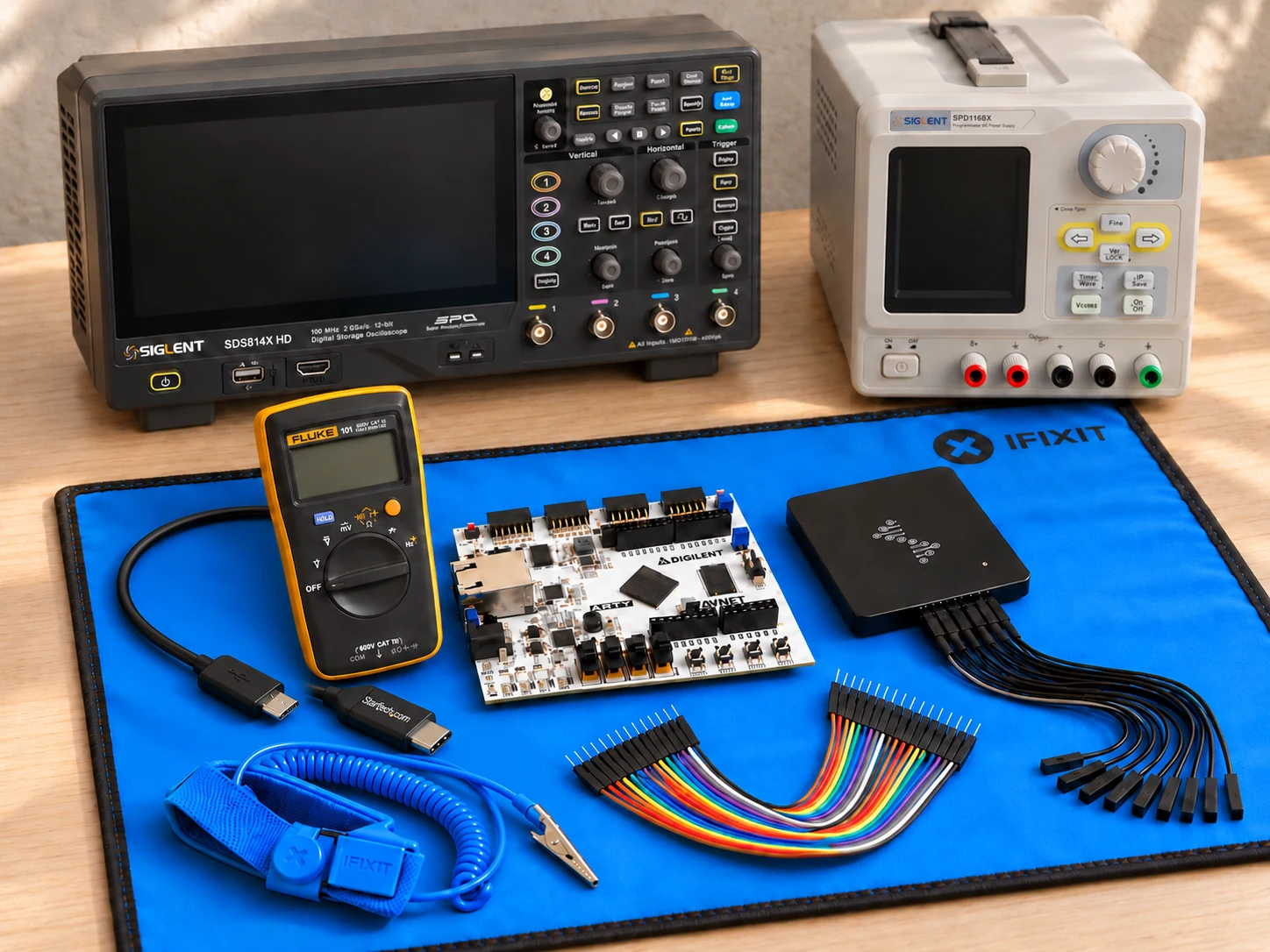
This AI-arranged illustration shows a planned kit using product appearance references. Compare the original photos and the exact listing variant. It does not document an assembled, tested or compatible Header7F lab.
All scene products remain visible and individually linked. Retailer offers and regional delivery can change. Tools interpret supported supplied evidence; handling accessories do not produce diagnostic data.
As an Amazon Associate I earn from qualifying purchases. Amazon links are paid links; check the exact model, seller, price and delivery availability on Amazon.
← Explore the other builds